BASIC / Python

How to learn programming Wilke modules: from installation to your own project.

Your own program in four steps.

Close-up of a backlit keyboard
  1. Install

    Download TigerIDE 6: it needs no license and includes all drivers, libraries and examples. Software: Downloads

  2. Look it up

    The Tiger Manual explains the development environment, the language and all instructions, online and searchable. Documentation

  3. Go deeper

    The advanced course “An advanced course in Tiger Multitasking” in the online manual. Embedded know-how

  4. Build on examples

    91 application reports and 85 tips & tricks with sample programs. Tutorials

What can Tiger-BASIC do? Software: BASIC

Python in four steps.

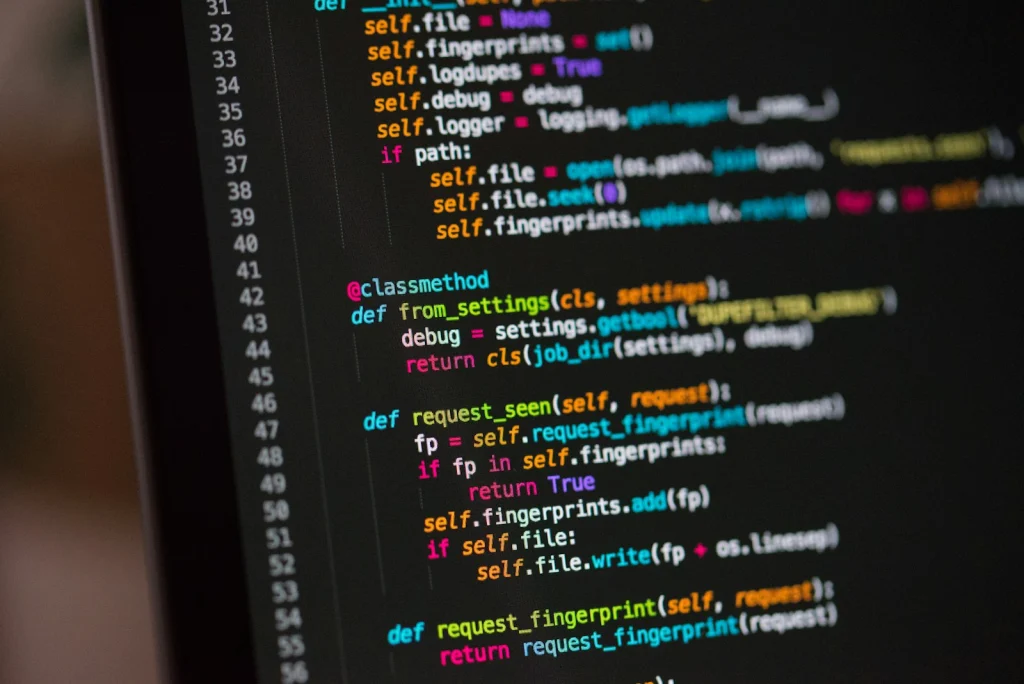
Python code in an editor on a screen
  1. Connect

    Connect a USB-serial adapter to the board (3.3 V TTL, 115200 baud). Any serial terminal works, e.g. Thonny or PuTTY. Documentation

  2. Try it out

    In PC mode, the Python prompt appears: type commands and see right away what happens. help() shows an overview. Software: Python

  3. Use drivers

    Initialize drivers such as LCD1, ANALOG01 or CAN1 with one line and use them directly. All drivers

  4. Protect & ship

    In Run mode, your program (main.py) starts automatically. Before shipping, set a password and encrypt the code. Security / CRA

What can Tiger MicroPython do? Software: Python

Personal technical advice.

Direct technical support.

Wilke Technology GmbH +49 2405 408 55-0 info@wilke.de